How Ariel Digital built an offline-ready field service app that walks technicians from symptom to fix across 24 control panel models, right from their phone.
Every equipment manufacturer has a version of this problem. A technician is standing in a customer’s yard, an alarm is going off, and the fix depends on knowing which model they’re looking at, which wire goes where, and what the last three symptoms actually mean. So they call the support line. The same handful of experts answer the same handful of questions, over and over, and the real knowledge never leaves their heads.
This case study covers how Ariel Digital built a field service troubleshooting app for a manufacturer in the onsite wastewater industry. The client relationship is under confidentiality, so we’ll keep names general, but the problem and the approach apply to any company whose products get installed and serviced by people out in the field.
The Challenge
The client makes equipment for onsite wastewater systems: the control panels that run pumps and dispersal zones, and the filters that keep those systems from clogging. Their products are installed and serviced by a wide network of contractors, installers and service providers, most of whom aren’t company employees.
When something went wrong in the field, help came from a few places, none of them great:
- The phone. Support staff walked technicians through the same diagnostic steps, call after call, during business hours only.
- A pile of PDFs. Manuals, spec sheets and wiring diagrams were scattered across shared drives and websites, and hard to read on a phone.
- Model confusion. The client has built 24 different control panel models across three generations going back more than two decades. Each one has its own wiring diagram, and picking the wrong one in the field is an easy mistake.
- No signal. Many of these systems are in rural areas. A technician kneeling next to a tank often has one bar of service, or none.
- No visibility. The company had no way to know which problems came up most, which fixes worked, or where technicians were getting stuck.
The goal was simple to say and harder to build: take what the company’s best service people know and put it in every technician’s pocket, in a form that works at the equipment, with or without a connection.
What We Built
We built a mobile-first, installable web app that serves as a single hub for the client’s service network. It covers both product lines in one place, and it’s built for a phone in one hand and a multimeter in the other.
Guided troubleshooting, from symptom to fix
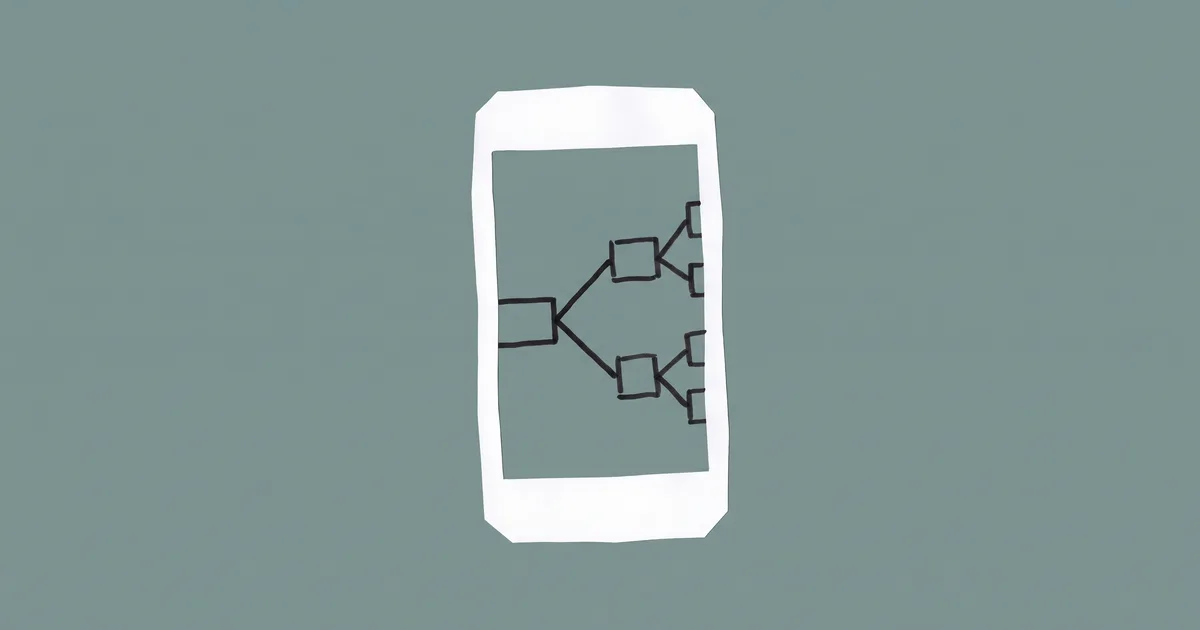
The heart of the app is a set of interactive decision trees. A technician starts with what they’re seeing (“the pump isn’t running,” “the alarm is going off,” “the filter keeps clogging,” “I need to check the wiring”) and the app walks them through it one step at a time.
Each step is one of a few simple types: a question with a few answers, a piece of context to read, a physical action to perform (“check for voltage across these two terminals”), a link to a video or document, or a final diagnosis. Every path ends in a clear resolution with what’s wrong, how to fix it, which replacement part or product applies, and how to reach the manufacturer if it still isn’t solved.
The flows were built from the client’s own service procedures, reviewed with their technical staff, and tested so that every branch reaches an answer. There are no dead ends.
Find your exact model, then your exact wiring diagram
A short, two-step picker helps the technician identify their panel by generation and model, with a visual guide to where the model label sits on the enclosure. Once selected, the panel follows them through the app: troubleshooting steps that only apply to certain models are filtered out automatically, and the correct wiring diagram is one tap away.
Diagrams open in a viewer made for phones, with pinch-to-zoom, panning, printing and download, so a technician can actually trace a wire on a five-inch screen.
Safety and liability built in, not bolted on
Working inside a live control panel is dangerous, and a manufacturer can’t hand out electrical instructions without care. Two rules were non-negotiable from day one:
- A professional gate. Before anyone can use the troubleshooting tools, they confirm they’re a qualified professional and accept the terms of use. Homeowners are pointed to a licensed provider instead.
- Safety warnings on every electrical step. Any step that involves testing or touching powered equipment shows a clear warning. Our automated tests fail the build if one is ever missing.
Works offline, in a field with no signal
Because the people using it are often far from good cell coverage, the app is a Progressive Web App (PWA). It installs to the home screen like a native app (with step-by-step guidance on iPhone, where browsers don’t prompt for it), and it caches the troubleshooting flows, wiring diagrams and spec sheets on the device. Once installed, the core of the app works with no connection at all. A small indicator shows when you’re offline, and links that need the internet are clearly marked instead of failing silently.
A better handoff when you do need to call
Not every problem can be solved in the field, and that’s fine. When a technician does need help, the app has already done the paperwork. It keeps track of the steps they’ve taken, the answers they gave and the panel model, and turns it into a plain-text summary they can copy and read (or text) to the support team. Instead of starting from “what model is it?”, the support call starts from “I’ve already checked these five things.”
Recent sessions are saved on the device, so a technician can resume a flow after an interruption or look back at what they found on a previous visit.
Products and documents in the same place
The app also serves as a pocket catalog for the client’s filtration product line: product pages, spec sheets, a sampling tool for checking tank conditions, and a searchable library of videos and documents. When a diagnosis points to a product, the troubleshooting flow recommends it right at the resolution step.
An admin panel the client runs themselves
We didn’t want every content change to require a developer. The client’s team has a secure admin area where they can:
- Edit troubleshooting flows in a visual editor, with live validation that catches broken branches, missing safety warnings and dead ends before anything is published.
- Preview a flow exactly as a technician will see it.
- Version and roll back every flow, with a side-by-side view of what changed.
- Manage panel models, documents and resources as the product line grows.
Data on what’s actually happening in the field
For the first time, the client can see how their equipment is being serviced. The analytics dashboard shows which flows technicians start, where they drop off, which resolutions they reach, and whether technicians said the fix worked. It also tracks app installs and which email or marketing campaigns brought people in, which closed the loop for the client’s launch campaign to their dealer and installer network.
How We Built It: Spec First, Then AI-Assisted
Like most of our recent app work, the interesting story is in the process.
- We wrote the whole thing down first. Before any code, we produced a suite of twenty product requirement documents covering every part of the app: the decision tree engine, the safety gate, each troubleshooting flow, offline behavior, the admin panel, analytics, and how the system would expand to new models. Each document had clear acceptance criteria and a defined place in the build order.
- We built in six phases, in order. Foundation, then the entry experience, then the troubleshooting flows, then resources and support, then offline and search, then the admin and analytics layer. Each phase was finished and tested before the next one started.
- We kept the knowledge as data, not code. Troubleshooting flows are stored as structured data that the app reads and renders, validated against a strict schema. That’s what makes the admin editor possible, and it means the client’s technical staff, not a developer, own the content.
- We built with AI agents, inside guardrails. With specs that detailed, AI coding agents handled much of the implementation, one scoped phase at a time, with automated linting, type checking and tests gating every change. Once the specs were done, the first complete version came together in days.
- We tested it like people’s safety depends on it, because it does. The app has more than 1,500 automated tests, including tests that walk every troubleshooting flow to confirm each path ends in a resolution and every electrical step carries a warning, plus accessibility checks so the app works with screen readers and in bright sunlight.
- Then we kept refining it with the people who know the equipment. Since launch, most of the work has come from sitting down with the client’s experts: discovering the real model lineup was 24 panels (not the three we started with), each with its own diagram; adding the second product line; shrinking spec sheets so the offline install is faster; and adding campaign tracking for the launch to their dealer network.
AI made the build fast. The spec work and the ongoing conversations with the client’s service team are what made it right.
Results
- Support knowledge that scales. The diagnostic steps support staff used to repeat on every call now live in the app, available any time of day.
- The right diagram, every time. Twenty-four panel models, each mapped to its own wiring diagram, readable on a phone.
- Works where the work is. Installed once, the core troubleshooting tools work in the field with no signal.
- Better support calls. When technicians do call, they arrive with a summary of everything they’ve already checked.
- Safety by default. A professional gate and mandatory electrical warnings are enforced by the software itself.
- Content the client owns. The service team updates flows, models and documents without waiting on a developer.
- Real visibility. The company can finally see which problems come up most, which fixes work, and which campaigns drive adoption.
Tech Stack
| Layer | Technology |
|---|---|
| Application | Next.js (App Router), TypeScript in strict mode |
| Interface | Tailwind CSS and shadcn/ui, high contrast with large tap targets |
| Data and auth | Supabase (Postgres, authentication, row-level security) |
| Validation | Zod for every troubleshooting flow and data file |
| Offline | Workbox service worker for caching and installability |
| Search | Fuse.js for fast, typo-tolerant search |
| Analytics | Recharts dashboard |
| Testing | Vitest, React Testing Library, Playwright, axe-core |
| Hosting | Vercel |
Is your support team answering the same questions every day?
If your products are installed and serviced by people in the field, there’s a good chance your best troubleshooting knowledge lives in a few people’s heads and a folder of PDFs. That’s a risk when those people are busy, out of the office, or eventually retire.
A focused field service app can capture that knowledge, put it in front of every technician at the moment they need it, and show you exactly where your customers are struggling. Ariel Digital builds custom apps and internal tools spec-first with modern AI-assisted development, which is often faster and more affordable than people expect. Let’s talk about your project →