How Ariel Digital built an offline-first trade show lead capture app with AI business card reading and Google Sheets sync, live for a three-day expo.
A manufacturer’s sales team needed a better way to capture leads at trade shows. We wrote the spec, built an offline-first lead capture app, and had it live in under a week. Reps used it at a three-day expo, and the changes they asked for went live the day after we reviewed their feedback.
Client details are anonymized. This is an internal tool, so this case study covers what we built and how, not the client’s sales numbers.
The Challenge
Our client is a manufacturer with several product brands. Its sales team exhibits at about seven trade shows a year, and every show ended the same way: a stack of leads in a dozen different formats.
- Business cards were missing or unreliable. Many attendees in this industry don’t carry them.
- Badge scans came back incomplete, often without an email or phone number.
- Key details went unrecorded. Without the state or region, routing a lead to the right rep was guesswork.
- Everyone captured leads their own way. Nothing tied a lead to the rep, the show or the brand at the moment it was captured.
The convention center floor makes it harder. Signal is weak or gone, the lighting is bad, and a rep has about 30 seconds with a prospect before the next person walks up.
Our Approach
We treated it as a small product, not a quick form.
- Specs first. Before writing any code we wrote a product requirements document, a technical design and a functional spec covering every screen, field, permission and error message. Each requirement got an ID, and every test traces back to one.
- Design for the booth. The app is mobile-first and works one-handed. It has large tap targets, high contrast for glare, and a few fields that must be filled before a lead saves.
- Offline first. A lead saves to the phone before anything touches the network. The app then syncs in the background whenever it can.
- Use the tools the team already has. Reps sign in with their existing Google Workspace accounts, and every lead also lands in a shared Google Sheet the sales team already works from.
- AI-assisted development. We used AI coding agents, with a human lead reviewing every change and the security and sync logic reviewed line by line. That’s how a full spec-driven build fit inside days.
What We Built
For reps on the booth floor
- Photo capture with AI business card reading. The rep photographs a business card or badge, and AI reads the name, company, title, email, phone and location into the form. The rep confirms every field before saving. If the photo can’t be read, they type the lead in instead.
- Manual entry for attendees with no card, with fields for brand interest, market segment, product interest, lead temperature, notes and email opt-in.
- Show tagging. Each rep picks the active show once, and every lead they capture is tagged with it.
- Attendee list search for shows that provide attendee data.
- An installable app. It installs to the home screen like a native app, without an app store, and opens with no connection.
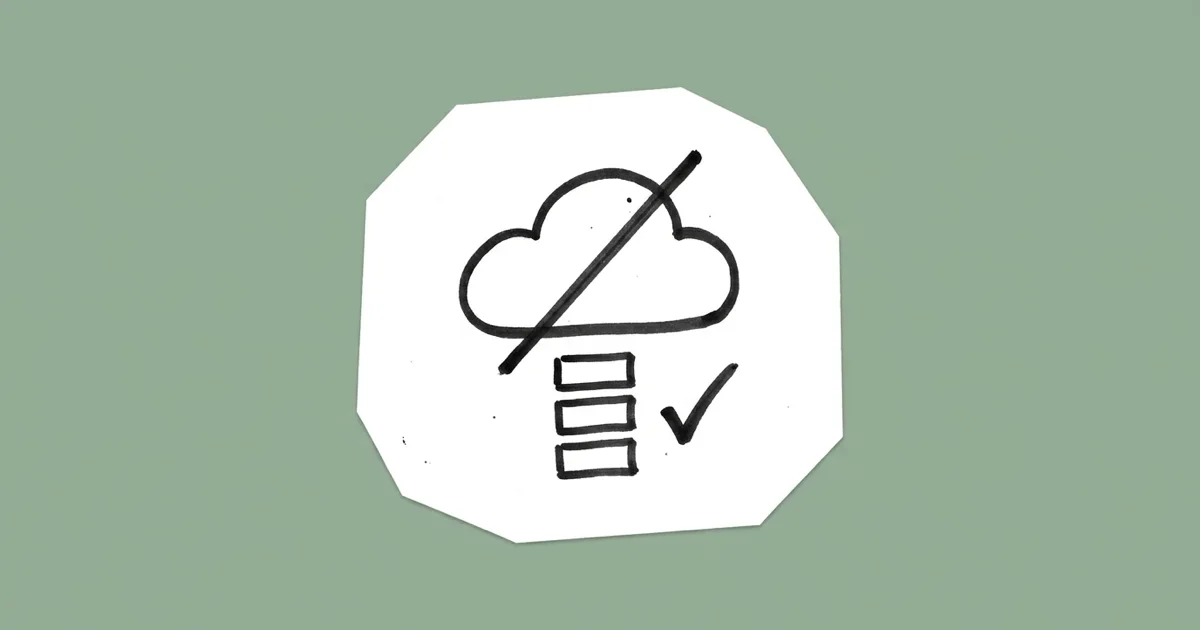
Built so leads don’t get lost
This was the requirement we couldn’t miss. A lost signal can’t mean a lost lead.
- Leads save on the phone first and survive closing the app, restarting the phone and losing the network.
- The app syncs whenever it can: when it opens, when the connection returns, after each save, and every minute while leads are waiting. That works around the fact that iPhones don’t let web apps sync in the background.
- Sync status is always on screen: Synced, “3 waiting” or Offline. Reps never have to wonder.
- Each lead gets a unique ID on the phone, so a retry after a dropped connection never creates a duplicate record or a second spreadsheet row.
For managers after the show
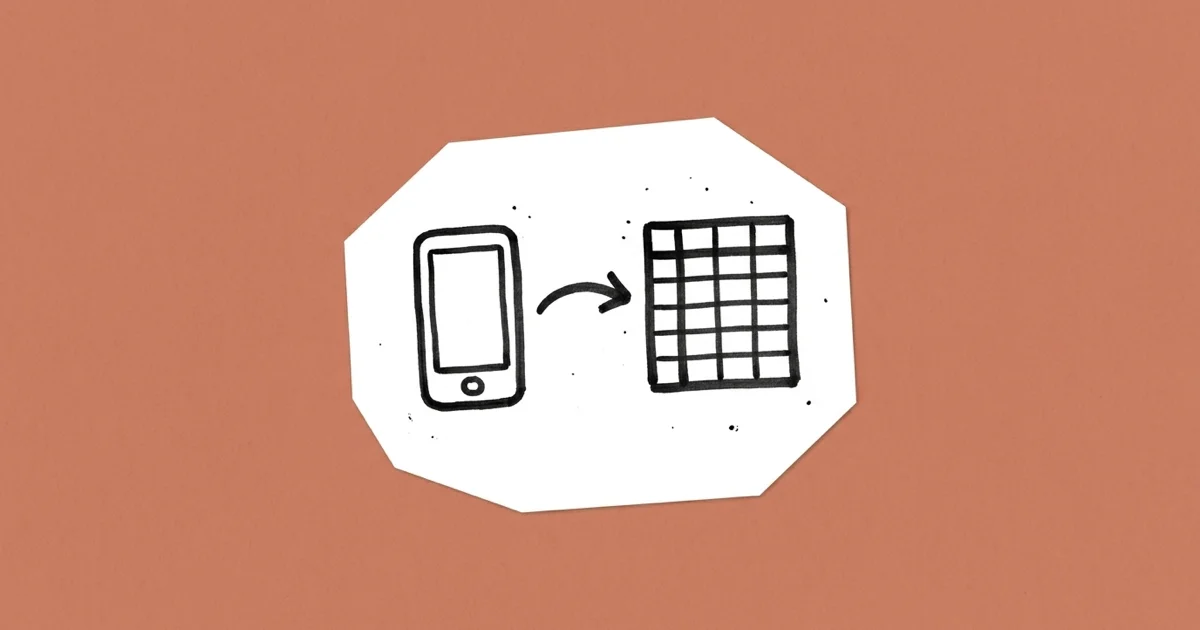
- One source of truth. Every lead lands in one database and is copied to the team’s Google Sheet within minutes.
- Lead assignment. Managers assign leads to reps for follow-up.
- Team notes. Anyone who can see a lead can add a dated note, so follow-up context stays with the lead.
- Filters, show setup and user management, with access by role: reps, managers and admins each see and do only what their role allows.
- Tablet and desktop layouts for reviewing leads after the show.
Security and privacy
Sign-in is Google only and limited to approved company accounts. Permissions are checked on the server for every request and every lead. Signing out clears lead data from the phone, and an admin can revoke a lost phone’s access. Old photos and audit records are deleted on a schedule, and no personal data is written to logs.
The Timeline
| Milestone | When |
|---|---|
| Requirements, technical design and functional spec written | Day 1 |
| App live in production with real sign-in, database and Google Sheet copy | Day 5 |
| AI card reading, lead assignment, tablet and desktop layouts added | The same week |
| In reps’ hands at a three-day industry expo | Day 11 |
| Rep feedback reviewed, and the changes they asked for went live | The day after the review |
Before launch the app passed more than 600 automated unit tests, over 100 end-to-end browser tests and an accessibility test suite. It scored 100 for accessibility in Google Lighthouse on mobile.
What the Field Taught Us
The first show gave us the feedback no spec can. Reps wanted fewer required fields when a conversation was short. The rule went from “name, state, and an email or phone” to “name and company,” with the rest optional. Managers wanted a place for the whole team to add follow-up context, so we added team notes. Both shipped right after the feedback review, because the spec, the tests and the deployment pipeline were already in place.
The fastest way to ship a change after launch is to do the slow parts before it: specs, tests and a deploy process you trust.
What Made It Work
- A written spec before any code. Every screen, rule and error message was decided up front, so building went quickly.
- Offline first from day one. We designed for the convention center, not the office.
- Integrating with existing tools instead of replacing them. Google sign-in and a shared Google Sheet meant no new habits for the sales team.
- AI where it saves real time. Card reading cuts typing, and a person still confirms every field.
- Agent-built and human-reviewed. AI coding agents did the bulk of the build, and our lead engineer reviewed the critical code line by line.
Does your team need an internal tool like this?
If your team still relies on spreadsheets, paper forms or an off-the-shelf tool that almost fits, a custom app can be faster and cheaper to build than you think. Ariel Digital builds custom apps and internal tools for sales, field and operations teams. Let’s talk about what your team needs →